Small Business Website · November 20, 2026 · 6 min
How Long Does It Take to Build a Small Business Website?
What really decides how long a small business website takes, typical stages from planning to launch, and how to avoid the delays that stall most projects.
If you run a small business, you probably want a website up soon, not someday. So the question is fair: how long is this going to take?
The honest answer is that it depends less on the designer and more on a few decisions and materials. A simple local business site can come together quickly when everything is ready. The same site can drag on for months when it isn't. This guide walks through what actually controls the timeline, the normal stages of a build, and what you can do to keep things moving.
The short answer
For a typical local business site (a home page, a services page, an about page, reviews, and a contact page), the build itself is usually not the slow part. What slows projects down is waiting: waiting on photos, waiting on text, waiting on feedback, waiting on someone to find the login for the old domain.
If you show up with your logo, a list of services, a few photos, and quick answers to questions, a small site can move from first conversation to launch fast. If you need custom features like online ordering, booking with deposits, a store with many products, or a member area, expect it to take longer, because each of those needs to be set up and tested.
What decides how long it takes
1. How many pages and features you need
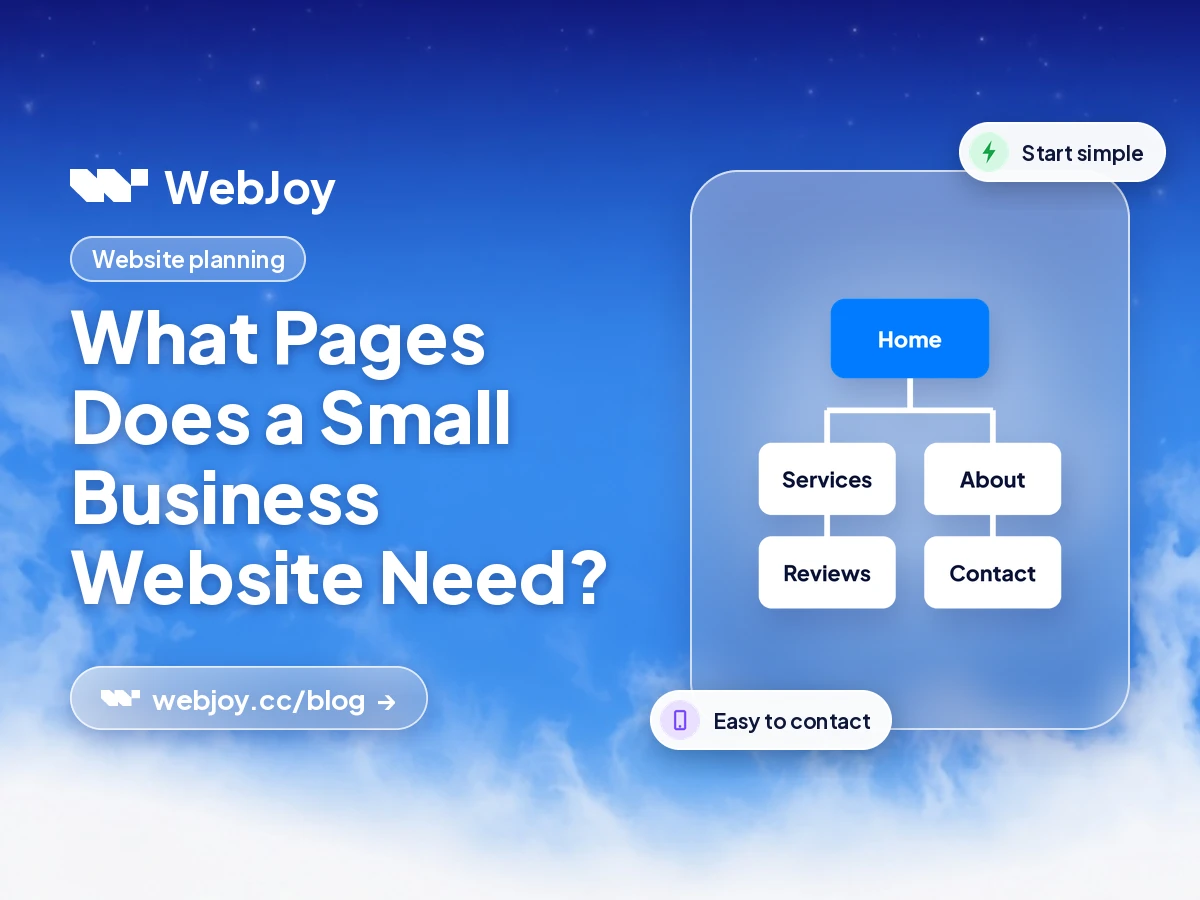
A five-page brochure-style site is very different from a site with a product catalog, online payments, or a client portal. Every extra feature adds setup, content, and testing. If you're not sure what you need, start with the basics. Our guide on what pages a small business website needs covers the core set most local businesses can launch with.
2. Whether your content is ready
Content is the most common bottleneck by far. That includes:
- Your business name, phone number, address, and hours
- A clear list of services (and prices, if you share them)
- A short "about us" story
- Photos of your work, your team, or your space
- Customer reviews you're comfortable showing
Designers can help write and organize this, but they still need the raw facts from you. Nobody else knows which neighborhoods you serve or which jobs you don't take.
3. How quickly you give feedback
Most builds have at least one review round where you look at a draft and say what to change. If you reply the same day, the project keeps moving. If the draft sits in your inbox for two weeks, the launch slides by two weeks.
4. Domain and account access
If you already own a domain, someone needs access to it to point it at the new site. This sounds small, but it's a classic delay: the domain was bought years ago by a nephew, a former partner, or an old web company, and nobody remembers the login. Find out where your domain is registered before the project starts.
5. Custom design vs. a proven layout
A fully custom design from a blank page takes more back-and-forth than starting from a layout that's already built for your type of business. For most local service businesses, a clean, proven layout customized with your brand, photos, and wording does the job well and gets you live sooner.
The typical stages of a website build
Every designer works a little differently, but most small business projects follow roughly these steps.
1. Discovery. A short conversation or form about your business: what you sell, who your customers are, what you want visitors to do (call, book, request a quote, order), and any sites you like.
2. Content gathering. You send your logo, photos, service list, and details. Your designer may write or polish the text.
3. Design and build. The designer creates the pages, sets up the contact forms or booking tools, and makes sure the site works well on phones, since many local customers will find you on mobile.
4. Review. You look at the draft and request changes. Good feedback is specific: "move the phone number to the top," "this photo isn't our shop," "we don't offer that service anymore."
5. Launch prep. The domain is connected, forms are tested, basic search settings are added (page titles, descriptions, a sitemap), and analytics are set up if you want them.
6. Go live. The site goes public. This is also a good moment to update your Google Business Profile, Facebook page, and other listings so they all point to the new site and show the same name, address, phone, and hours.
Common delays (and how to avoid them)
"We'll send photos later." Later often becomes never. If you don't have good photos yet, launch with the best you have and swap them out after. A live site with decent photos beats a perfect site that isn't online.
Changing the scope halfway. Adding an online store or a booking system after the design is done can restart parts of the project. If you think you'll need a feature in the next few months, mention it at the start, even if you launch without it.
Waiting for the "perfect" wording. Your website can be edited after launch. It's better to go live with clear, simple text and improve it as you learn what customers ask about.
How to get your website live faster
Here's a simple checklist you can work through before you even contact a designer:
- Write down your services, one line each.
- List the towns or neighborhoods you serve.
- Gather 5–15 photos of real work, your team, or your location.
- Copy three to five customer reviews you'd like to feature.
- Find your logo file (or decide you'll launch with a simple text logo).
- Figure out where your domain is registered and who has the login.
- Decide the one main action you want visitors to take: call, book, request a quote, or order.
With that list done, most of the waiting in a typical project disappears.
Once your site is live, being found on Google is its own project. If you want to show up when people nearby search for what you do, take a look at our local SEO services.
Ready to get started?
If you'd like a head start, WebJoy builds simple, fast websites for small businesses and handles the setup for you. Compare plans on our pricing page, get started, message us on Facebook, or email hello@webjoy.cc.
Frequently asked questions
How long does a simple small business website take?
It mostly depends on how ready your content is and how quickly you review drafts. A basic site with a handful of pages can move quickly when your logo, photos, service list, and business details are ready at the start.
Why do some website projects take months?
Usually because of waiting rather than building: missing photos or text, slow feedback, too many approvers, features added midway, or lost access to the domain.
Can I launch first and add pages later?
Yes, and for most small businesses that's the smart move. Launch with the core pages, then add things like a gallery, blog posts, or extra service pages as you go.
What do I need to have ready before I start?
Your business details, a list of services, some real photos, a few reviews, your logo if you have one, and access to your domain. Knowing the one main action you want visitors to take also helps.
Does an online store or booking system add time?
Generally yes. Payments, product listings, booking rules, and deposits all need to be set up and tested. Mention them at the start so they're part of the plan.
Will my site show up on Google right away?
Not always. Search engines need time to find and index a new site, and ranking in local results also depends on things like your Google Business Profile, reviews, and consistent listings.

Want more customers finding you online?
Plans start at $35/mo, and your first design is ready in 48 hours.