Local Seo · 2026-11-17 · 6 min
How to Get Your Business Found on Google in Buffalo
A step-by-step local SEO guide for Buffalo and WNY small businesses: Google Business Profile, reviews, neighborhood pages and the mistakes that hold you back.
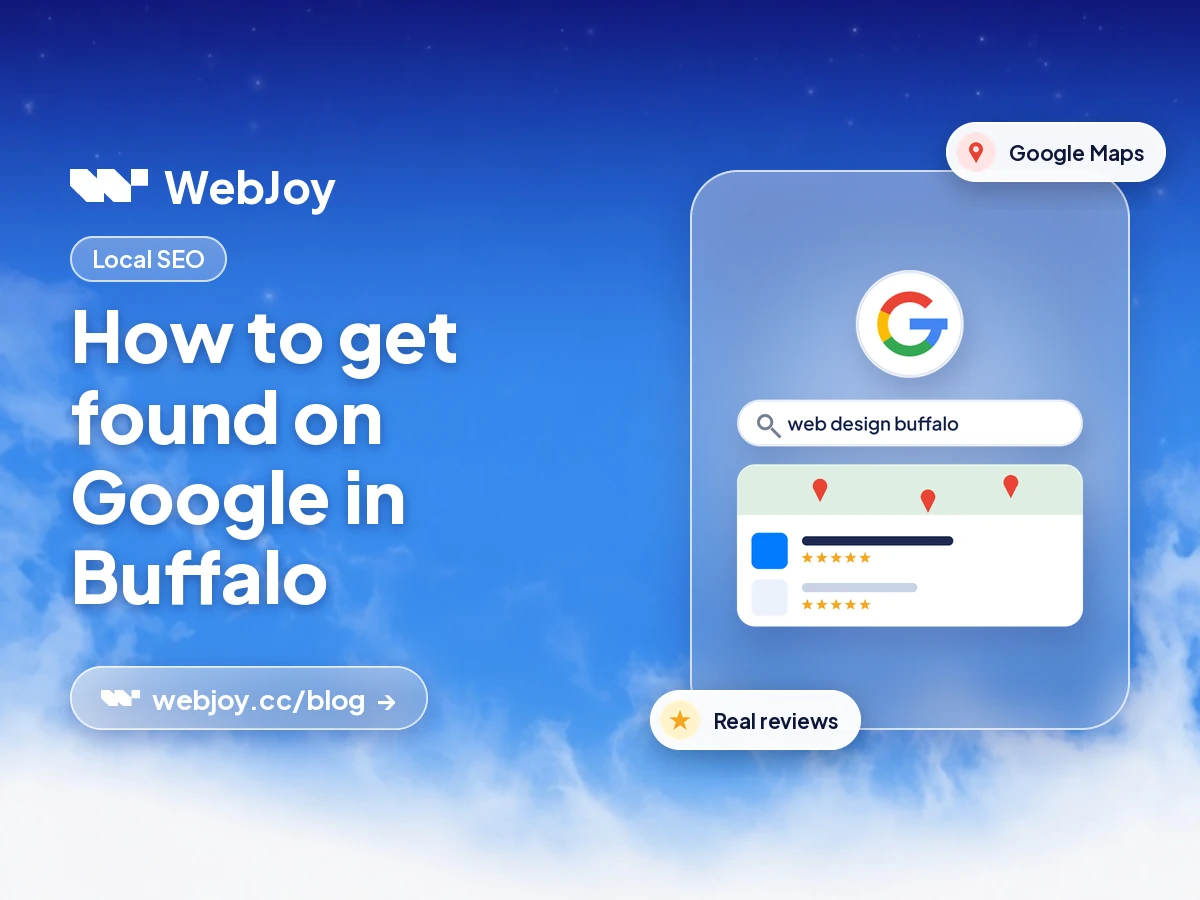
When someone in Buffalo needs a plumber, a pizza or a haircut, they usually open Google, type what they need and pick from the first few results. If your business isn't there, it might as well be closed.
The good news: local search isn't only for big companies with big budgets. A small business that does the basics well can show up for searches in its own neighborhood and suburbs. Here's how.
How local search works in Buffalo
For local searches, Google usually shows two kinds of results:
- The map pack. A map with a short list of businesses, their star ratings and a link to call or get directions.
- Regular results. Websites listed below the map.
Google decides who shows up based on three broad things:
- Relevance: how well your business matches what someone searched
- Distance: how close you are to the searcher, or to the place they mentioned
- Prominence: how well-known and trusted your business looks online, including reviews and links
You can't move your shop closer to every customer, but you can improve relevance and prominence a lot.
Step 1: Claim and complete your Google Business Profile
Your Google Business Profile is the listing that shows up in Google Maps and the map pack. If you haven't claimed it, do that first.
Then fill out everything:
- Business name: your real name, without stuffing in extra keywords
- Primary category: the most accurate one you can find
- Secondary categories: a few more that genuinely fit
- Hours: including holiday hours and seasonal changes
- Service area: the towns you serve, if you go to customers
- Phone number and website
- Services or menu
- Photos: your storefront, your team, your work, your products
Keep it current. If a lake-effect storm closes you early, update your hours. Google and customers both notice accurate profiles.
Step 2: Get real reviews, steadily
Reviews are one of the strongest signals in local search, and they're often the deciding factor for customers choosing between three businesses on a map.
A few simple habits make a big difference:
- Ask every happy customer, right after the job or visit
- Text or email a direct link to your review page
- Make it easy: one tap, no searching
- Reply to every review, thank the good ones and respond calmly to the bad ones
Never buy reviews, write fake ones or offer gifts for positive reviews. It breaks Google's rules and can get reviews removed or your profile suspended. Our existing guide on getting more 5-star reviews covers this in more detail.
Step 3: Make your website match how Buffalo searches
People in Buffalo search by neighborhood and suburb. They type "barber Elmwood Village," "pizza Hertel," "roofer Orchard Park" or "plumber Cheektowaga." Your website should reflect the places you actually serve.
Give each service its own page
A page about furnace repair can rank for furnace repair. A page that lists twenty services in bullet points usually ranks for none of them.
Create pages for your main service areas
If you serve Amherst, Tonawanda and Kenmore, a page for each can help. But only if each page has real, specific information: the jobs you do there, what customers in that area commonly need, and how to reach you. Copying the same page and swapping the town name is the kind of thin content Google tends to ignore.
Use clear titles and descriptions
Every page should have a unique title tag and meta description that say what the page is about and where. Something like "Furnace Repair in Cheektowaga | Your Company Name" tells Google and searchers exactly what to expect.
Put your contact details everywhere
Your business name, phone number and address or service area should appear the same way on your website, your Google profile and anywhere else you're listed.
Step 4: Get listed where Buffalo customers look
Beyond Google, list your business on the major directories: Bing Places, Apple Business Connect, Yelp, Facebook and the Better Business Bureau. Local chambers of commerce and business associations in Buffalo, Amherst, the Tonawandas and Niagara County can also link to you.
Keep your details identical everywhere. Different phone numbers or old addresses confuse both Google and customers.
Step 5: Earn local links and mentions
Links from other local websites tell Google your business is real and connected to the community. Good sources include:
- Local chambers of commerce and business associations
- Sponsorships of youth sports teams, charity runs or community events
- Local news stories or features
- Suppliers and partners who list their customers or contractors
- Neighborhood blogs and event pages
One link from a respected local site is worth more than dozens from random directories.
Step 6: Post and update regularly
Google Business Profile lets you post updates, offers and events. A short post each week, with a photo, keeps your profile active. Seasonal posts work well in Buffalo: winter hours, game-day specials, spring service openings, summer patio news.
Update your website as well. New project photos, a seasonal service page or a short article answering a common customer question all help.
Common mistakes that hold Buffalo businesses back
- Wrong or outdated hours on Google, especially around holidays and storms
- No website, or a website that doesn't work well on phones
- A single page trying to cover every service and town
- Ignoring reviews, or never asking for them
- Keyword stuffing the business name on Google
- Different phone numbers or addresses across listings
- Copy-and-paste town pages with no real local information
How long does it take?
Local SEO isn't instant. A newly optimized profile and website can start showing improvements within a few weeks to a few months, depending on your competition. Competitive categories in Buffalo, like dentists, lawyers and roofers, usually take longer than less crowded ones.
Consistency matters more than any single trick. Keep your profile accurate, keep asking for reviews and keep your website current.
Where WebJoy fits
WebJoy builds websites for Buffalo and Niagara Falls businesses with local SEO basics built in: service pages, area pages, proper titles and descriptions, and business markup. Plans start at $35 a month. Message us on Facebook or use the contact form on our site. See done-for-you websites, our local SEO page or compare plans on the pricing page.
Frequently asked questions
How do I get my business on Google Maps in Buffalo?
Create or claim your Google Business Profile, verify it, choose accurate categories and fill out every section. Your business can then appear in Google Maps and local results.
Do reviews really help my Google ranking?
Reviews are one of the factors Google uses for local results, and they strongly influence which business customers choose. Ask happy customers for honest reviews consistently.
Should I make a page for every Buffalo suburb?
Only for the areas you genuinely serve, and only if you can write something specific for each. Thin, copied town pages rarely help.
Can I rank in a town where I don't have an office?
Service-area businesses can show up in towns they serve, especially with strong reviews and a website that clearly covers those areas. Distance still plays a role.
How long until I see results from local SEO?
Often a few weeks to a few months, depending on competition and how much work your profile and website need.

Want more customers finding you online?
Get a free website mockup, plans start at $35/mo.